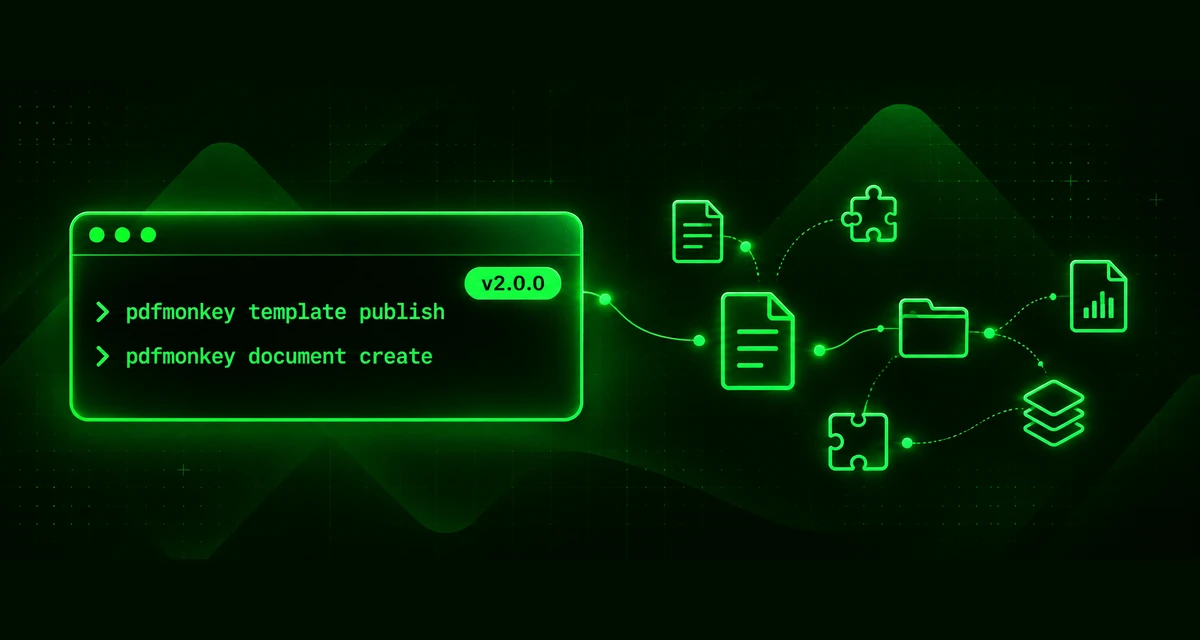
PDFMonkey CLI 2.0: Your Whole Account, Right From the Terminal
Hey everyone!
When we released the PDFMonkey CLI last year, it had one job: letting you edit your templates locally, in your own editor, with a live preview in the browser. And it did that job well.
But editing is only part of the story. Creating a template, publishing it, generating a few test documents, cleaning things up afterwards… all of that still meant going back to the dashboard or writing a few API calls by hand. Not exactly smooth sailing when you live in your terminal.
So we gave the CLI a promotion. With version 2.0.0, it’s no longer just a local editor: you can manage your whole PDFMonkey account from the terminal. 🎉
TL;DR
- Manage templates, folders, snippets and documents from the command line.
- Generate and download documents in a single command.
- Pick a workspace by name, or set a default one once and for all.
- Every command speaks JSON, perfect for scripts, CI pipelines and AI agents.
- Node.js 22.12 or later is now required, and
watch --debugis gone.
Templates & folders
You can now list, inspect, create, update, publish and delete templates, whether they’re in code or builder mode:
pdfmonkey template list -w "My Workspace" -f Invoices
pdfmonkey template create -n "Invoice" -f Invoices --from ./invoice
pdfmonkey template update <template-id> --from ./invoice
pdfmonkey template publish <template-id>
Here’s the nice part: creating a template with --from links your local directory to it. You can run pdfmonkey watch right away and start iterating. From an empty folder to a live preview in two commands!
Template folders get their own commands too: pdfmonkey folder list|create|rename|delete.
Snippets
Snippets get the same treatment:
pdfmonkey snippet list -s header
pdfmonkey snippet create -n "Header" --from ./header
pdfmonkey snippet update <snippet-id> --from ./header
Documents
This one is our favorite. You can generate a document and download it in one go:
pdfmonkey document create -t <template-id> --payload @data.json -o ./invoices/
The payload and meta data can be passed inline, from a file (@data.json) or through stdin (-). Want to pipe the output of another tool straight into PDFMonkey? Go for it.
You can also list documents with filters (template, status, search, update date), and show, update, download or delete them.
Workspaces
pdfmonkey workspace list lists your workspaces, and pdfmonkey whoami tells you which account your API key belongs to. Handy when you juggle several keys!
Every command working within a workspace accepts -w, --workspace with an ID or a name. Tired of typing it? Set the PDFMONKEY_WORKSPACE environment variable and forget about it.
Built for scripts and AI agents
We wanted the CLI to be as comfortable for machines as it is for humans:
- every command accepts
--jsonto output raw JSON, - errors exit with a non-zero code,
- destructive commands take
-y, --yesto skip their confirmation.
pdfmonkey template list --json | jq '.[].id'
That makes it a great fit for a CI pipeline, a deployment script, or an AI coding agent like Claude Code or Cursor. Give your agent the CLI and let it create, test and publish templates for you. Why not automate the whole pipeline?
Before you upgrade
A major version means a couple of breaking changes, so here’s what to watch out for:
- Node.js 22.12 or later is now required. If you’re on an older version, you’ll need to upgrade Node first.
- The
--debugoption of thewatchcommands has been removed.
Once you’re ready, upgrading is a one-liner:
npm install -g @pdfmonkey/cli@latest
Fixes and plumbing
This release also fixes a handful of bugs, including template init failing to fetch some templates, the API key showing up in the commands help, and watch looping when cancelling a prompt. The full list is in the release notes.
Under the hood, the CLI now uses our official pdfmonkey SDK to talk to the API. Less duplicated code for us, fewer surprises for you.
Over to you
The CLI is still free and open source. You’ll find the code on GitHub, and issues or Pull Requests are always welcome. For a full tour, head over to the CLI documentation.
We hope you’ll enjoy this new version! If something feels off or you’d like a command we haven’t thought of, don’t hesitate to reach out. We’re here for you!
Happy PDFing! 📝

Simon is passionate about development, tech, design and continuous enhancement. CTO and Co-Founder at PDFMonkey he supervises the development and evolution of the platform making sure the product always respects our core values.